Rebooking After a Flight Disruption
Compare the airline offer with realistic alternatives before confirming a new itinerary.
8 min read · Updated September 2026
Understand the situation
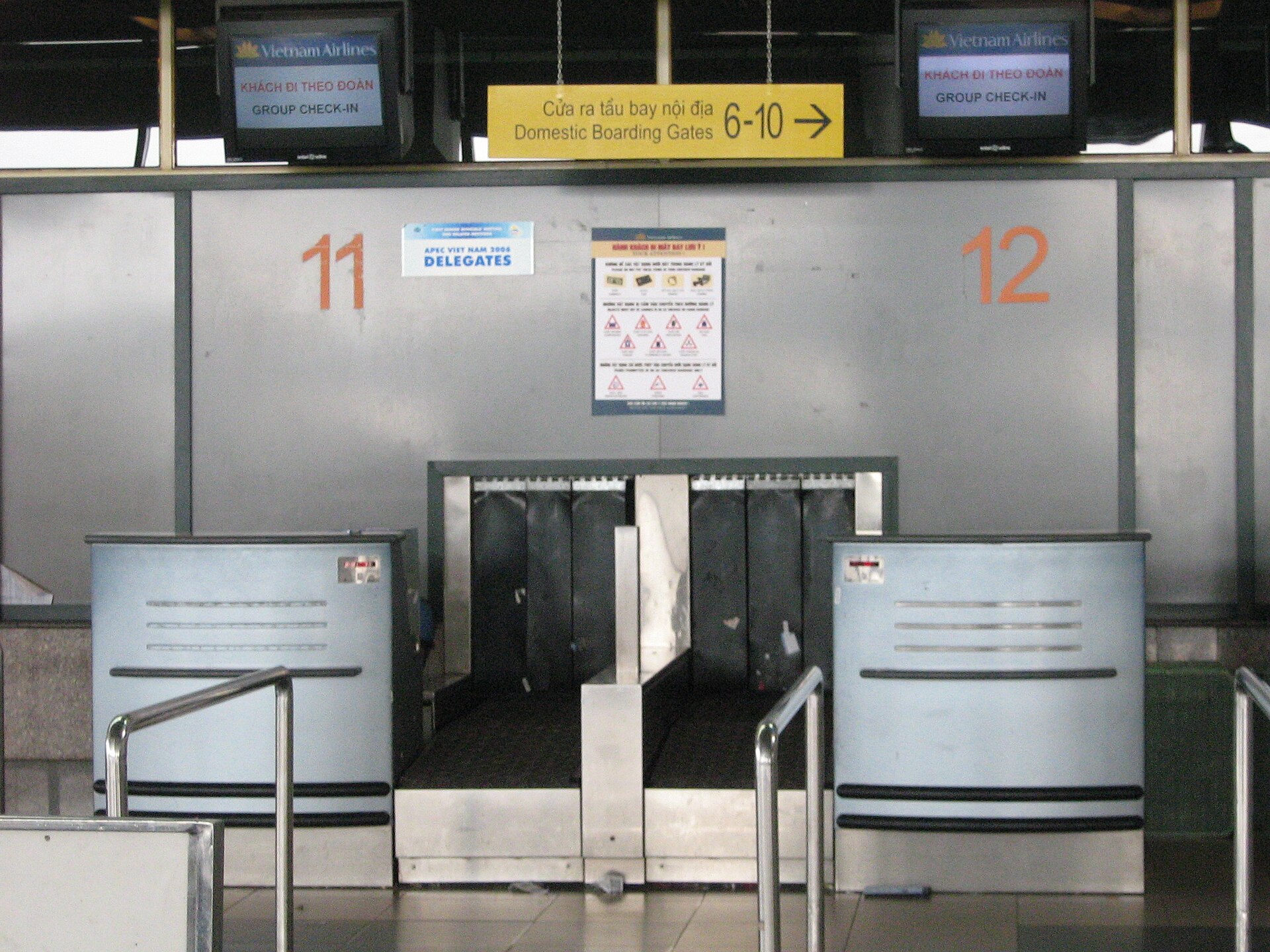
Rebooking after a disruption means working out which new flight actually gets you where you need to be, not simply accepting the first option offered. Airlines often present one suggested replacement automatically, but this is rarely the only choice, and comparing it against others before accepting can save time later. Consider the full remaining journey, not just the next leg, since a replacement solving today's flight can still create a problem at a later connection if arrival timing or terminal changes go unchecked. Check whether the disruption affects only your flight or a wider set of departures from the same airport, since a regional weather system can mean nearby alternatives are also affected or already full. Note your original fare conditions, since a basic fare and a more flexible fare are not always treated the same way when a replacement is arranged.
What to do first
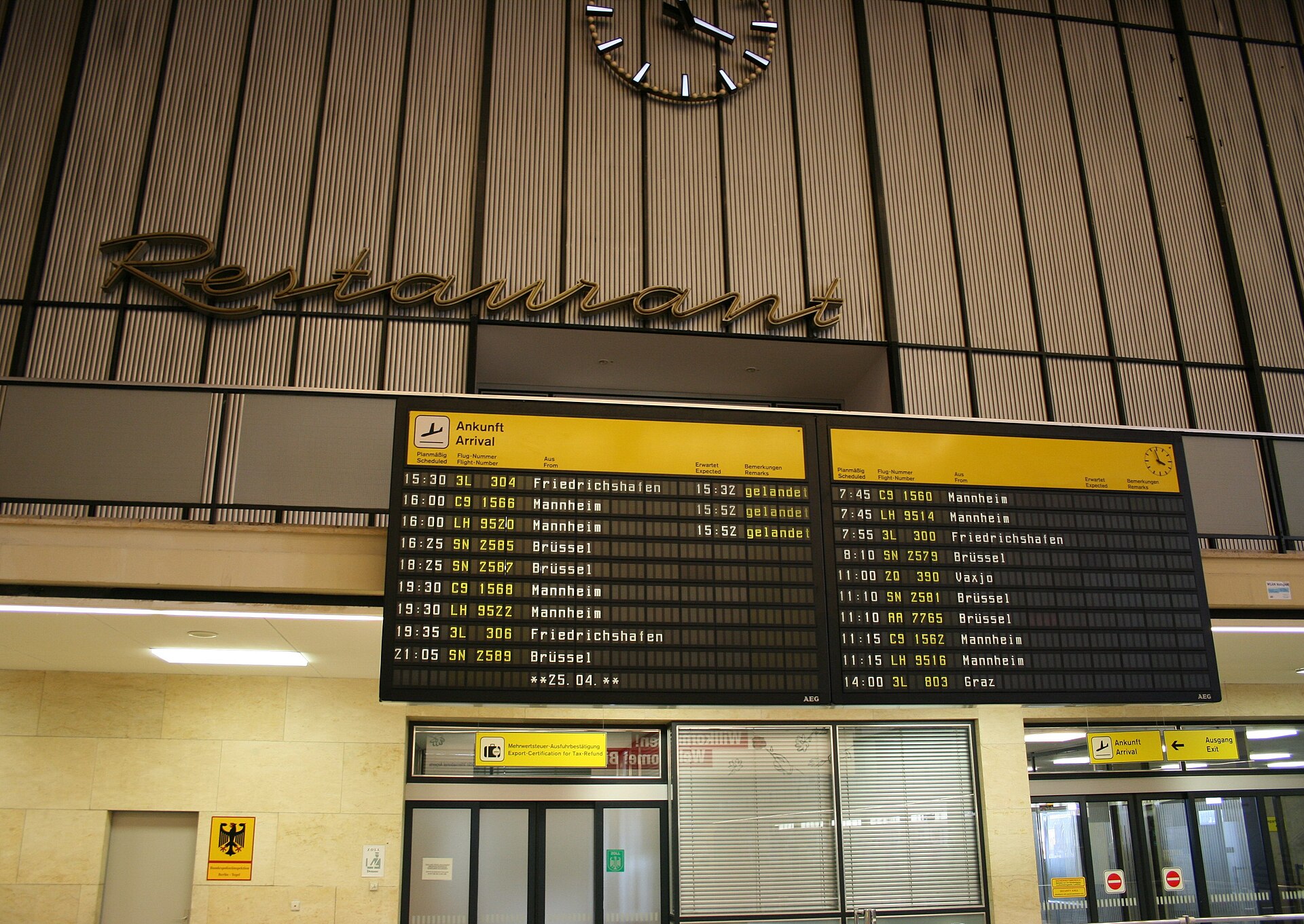
Open the airline app first to see if a replacement has already been proposed, since this is often the fastest starting point before joining any queue. If a reasonable option appears, you can sometimes confirm it directly through the app without further waiting. If nothing useful appears, go to the nearest service desk or use phone or chat, choosing whichever channel has the shortest realistic wait. While waiting, note two or three alternative flights from the app or boards, including numbers and times, so you can suggest them directly. If travelling with others on the same booking, stay together so the replacement flights keep you on the same aircraft. Confirm the new booking appears correctly in the app before leaving the desk, since a verbal agreement not yet updated in the system can be lost if staff change shift.
What to check
Check the full new itinerary end to end, not just the first replacement leg, including any later connections from the original ticket. Compare the new arrival time against anything time sensitive on the other end, such as transport or lodging, and adjust those bookings if timing no longer fits. Check whether seat selection, meal request, or special assistance noted on the original booking has carried over, since these details sometimes need reentering. If the replacement is with a different airline, check whether checked baggage has been correctly retagged, since this does not always update automatically. Look at whether the new ticket shows the same number of segments as the original, since a rebooking sometimes quietly changes a direct flight into one with a layover. If loyalty details were attached to the original booking, check they have carried over too.
Useful note: A reservation shown on screen is not always a newly issued ticket. Confirm that the replacement flights are ready for check-in.
Where to get help
The airline operating your disrupted flight is the right first contact for rebooking, through app, phone, chat, or airport desk, whichever offers the shortest wait. If booked through a travel agency or online booking site, check whether that channel also needs to confirm the change, since some airlines require agency involvement for tickets sold that way. Airport information staff can direct you to the right desk but typically do not have system access to issue new tickets. If the new flight involves a different airport or terminal, ask staff about the realistic transfer time, since they often know current security waits better than a general map suggests. For questions about what applies given your specific disruption, the airline's stated policy for your ticket type is the accurate source.

Keep useful records
Save a copy of both the original itinerary and the new replacement side by side, since comparing them later is easier when kept together from the start. Screenshot the proposed rebooking as soon as it appears, even before confirming, since some options expire or change if you take too long to decide. Keep any reference number given for the rebooking case, separate from the general booking reference, since this can speed up a later conversation about the same disruption. If you incur costs adjusting other bookings, such as changing a hotel reservation, keep those receipts with a short note connecting them to the disruption. Note the name of any staff member who helped and the approximate time, since this detail can matter if there is a discrepancy later.
Practical notes
A rebooking offered quickly is not always the most useful one, so take a brief moment to compare it against your actual onward plans before accepting, even under time pressure. Different airlines handle rebooking authority differently, with some giving airport staff wide discretion and others requiring central confirmation, so the pace reflects how that airline operates rather than a lack of effort. Ask directly whether the replacement is confirmed or only pending, since a pending booking can still change before departure. Keep communication with staff specific, stating your original flight numbers, the proposed replacement, and your actual question, rather than retelling the whole story. Confirm any new arrangement in writing through the app or email before relying on it fully.
Related guides

What to Do When Your Flight Is Delayed
A delay can change connections, ground transport and plans. Start with the facts, then protect your options.
Read guide
Flight Cancelled: Your Practical Next Steps
A calm sequence for checking your booking, finding alternatives and keeping useful records.
Read guide
Missed Connection: What to Do Next
Work out who controls the next flight, where your baggage is going and which desk can help.
Read guide